
Liminalspacer
-
Posts
9 -
Joined
-
Last visited
-
Days Won
2
Liminalspacer's Achievements






-
 Thank you very much for your help, and don't worry about the typos. I chewed through another mod testing and found the culprit (more info in the main post). I won't go into too much detail, but it is fixed and everything is running perfectly. Thank you again, to you and everyone who has helped me with this. It was a headache, and it is good to have it fixed now.
 -
I'll keep experimenting and see what I can do. All in all, this is a frustrating glitch, but it isn't game breaking by any stretch and I can work around it if I need to. Thank you though, I really appreciate all the help.
-
Thank you very much for the very detailed advice @RitualClarity. I'll have a go at doing those steps. I would be quite surprised if it was the number of mods. This is my unclear writing again, but when I said: 'Occurs with these mods active/installed: xNVSE, JIP, JohnnyGuitar, ShowOff (NVSE plugin), SUP & Plugin, Stewie's Tweaks*, BnB and Breeze body replacers.', I meant that when I was testing batch of mods, they were all the mods needed to start the glitch - I simply included my full normal modlist just in case any of the mods are known to leave residual files that might have mucked up my files. Still, I will follow your advice because your method is far more organised than mine (I didn't use profiles). I try to install all of my files via MO, but there are some that seemed to me be best installed manually (like xNVSE and FCO hair addon, for example), but if you think that is probably not a great idea, I'll exclusively install everything via MO in the future. I was surprised to see that it might be a memory/GPU issue because my game runs flawlessly otherwise, this is literally the only issue with my game at the moment. Still, I'll give that a go too. Thank you again.
-
Unfortunately no luck. I tried it with the 'force-enable game files' off, as another thread recommended trying when using the Fallout - AI!.bsa file, and with it on but neither made any changes. Regardless, thank you for taking the time to help.
-
Sorry, I should have worded stuff more clearly. I have done that, and setting bUseMultibounds in GECKcustom.ini to '0' fixes the maps in GECK perfectly*. I tried putting it in the fallout.ini and falloutcustom.ini to see if it has the same effect but no luck. Probably for the best it doesn't work though, because of the Lucky 38 needing it. *The glitchy parts of the cells in GECK when it wasn't off were 1:1 with the glitchy parts of the cell in game. Still, I am now even more confused now that you say that only the Lucky 38 uses multibounds. I was thinking about removing all portals/multibounds in FreesideKingsHouse, 2CCampGolfResort, etc., in GECK and see if that works. But if they don't actually use multibounds then that probably wont work.
-
I am almost certain the problem is not a textures or meshes problem, and instead it seems to me to be an issue with multibounds in certain cells - but exactly what, I don't know. Regardless, thank you for taking the time for helping. Despite me being almost certain, I am still willing to try other solutions.
-
No, I am not using any shader packs. The closest thing that I do use is FCO. But when I did my mod testing, the error persisted without this mod installed.
-
No, thank you for forwarding me this. I am currently working on the listed solutions in that thread as best I can.
-
Liminalspacer changed their profile photo
-
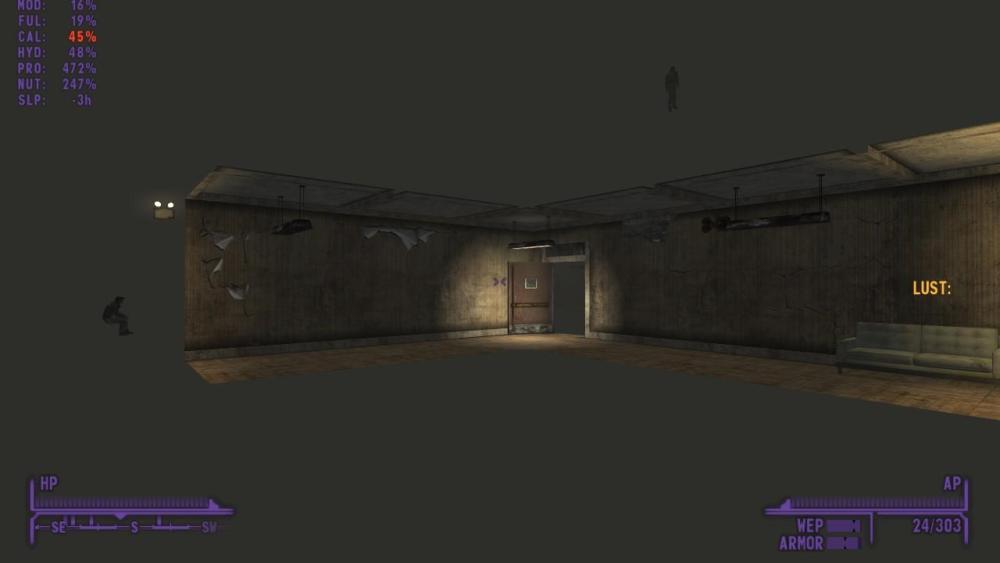
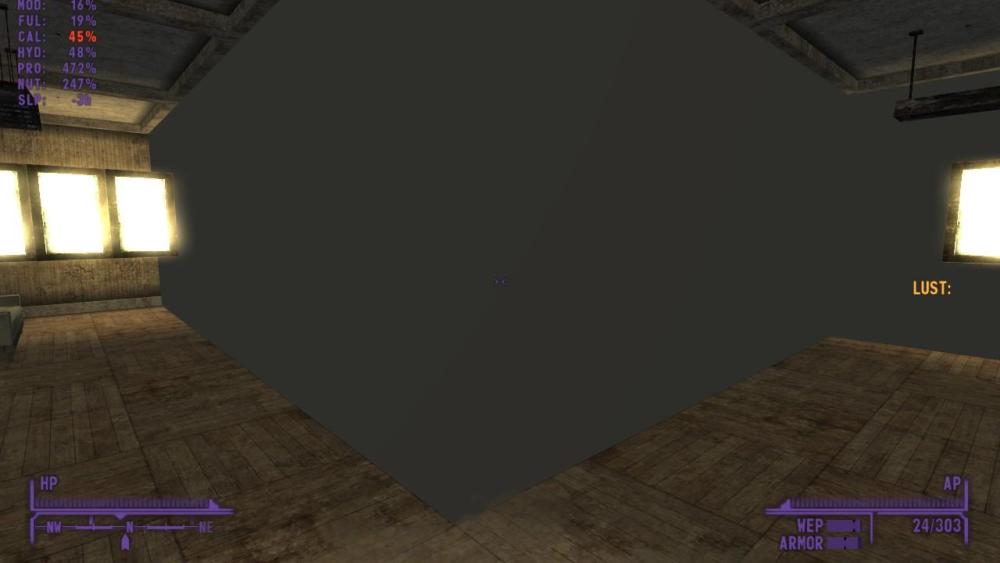
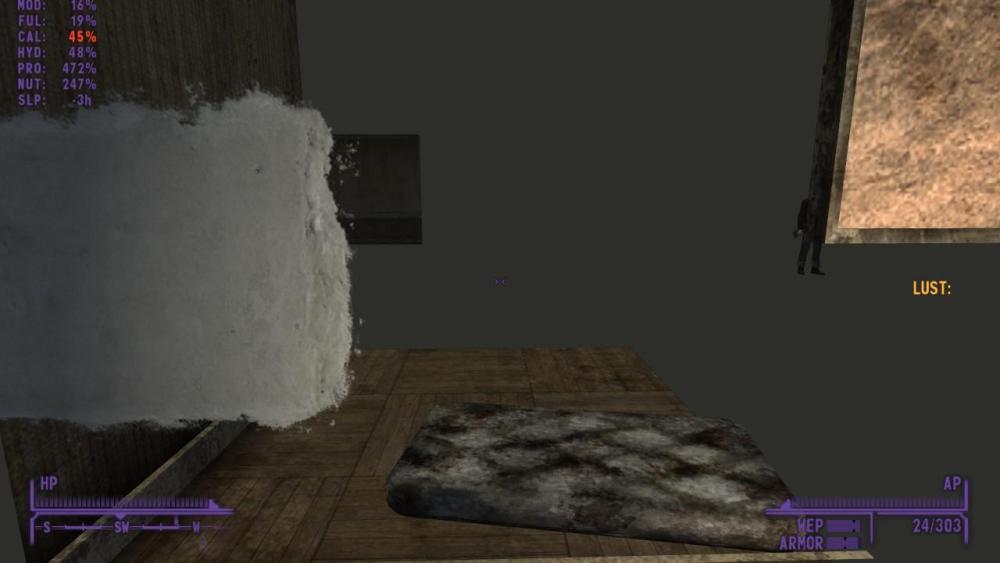
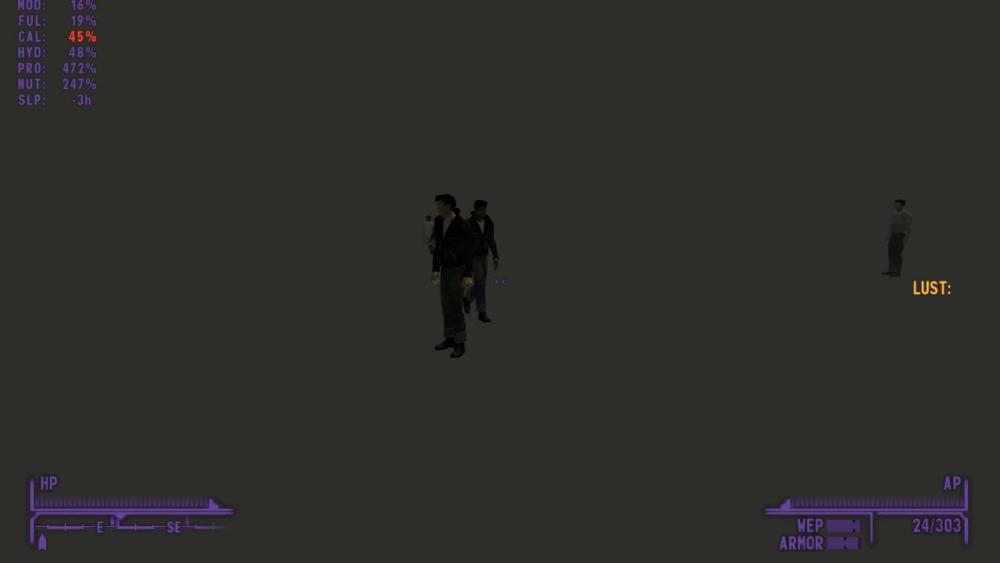
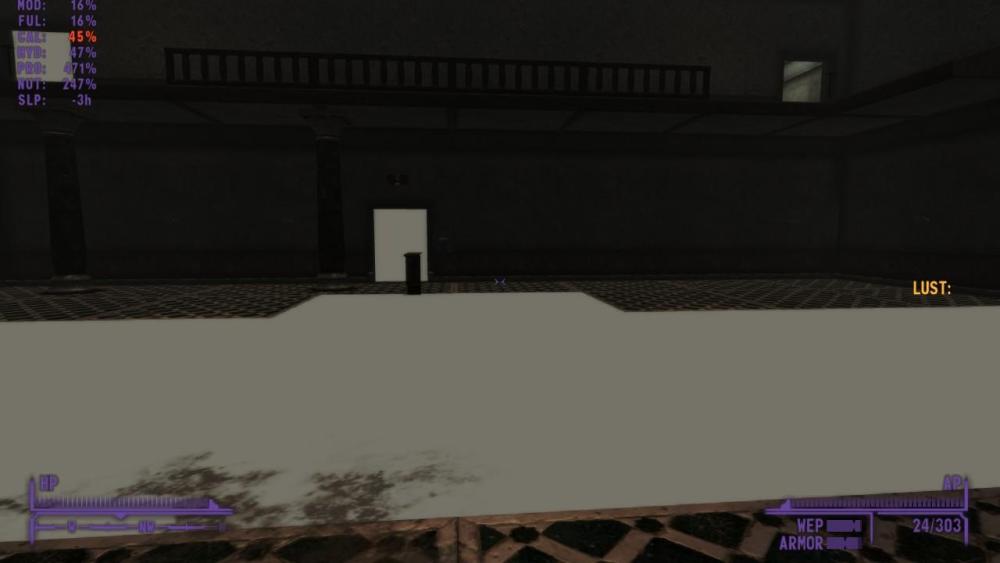
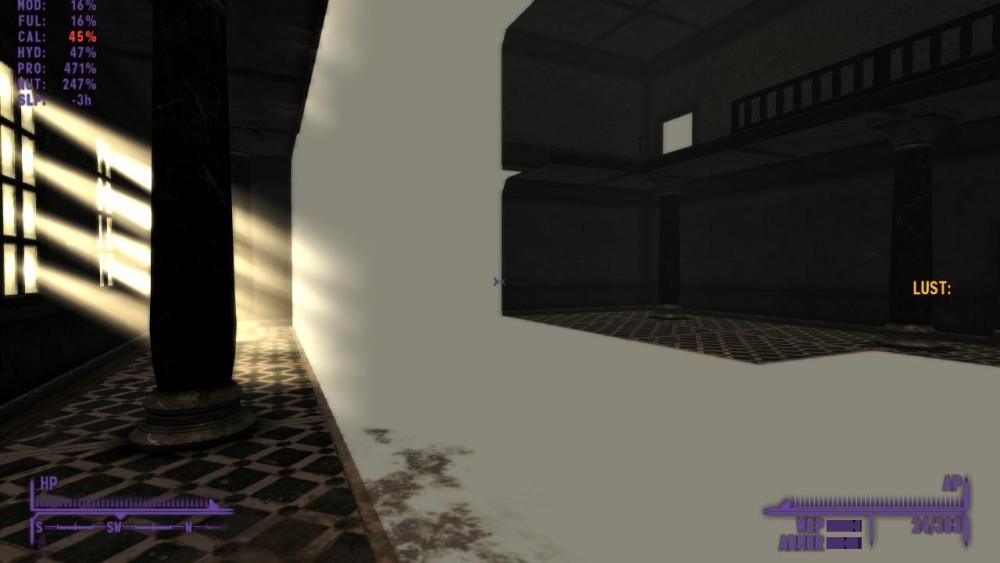
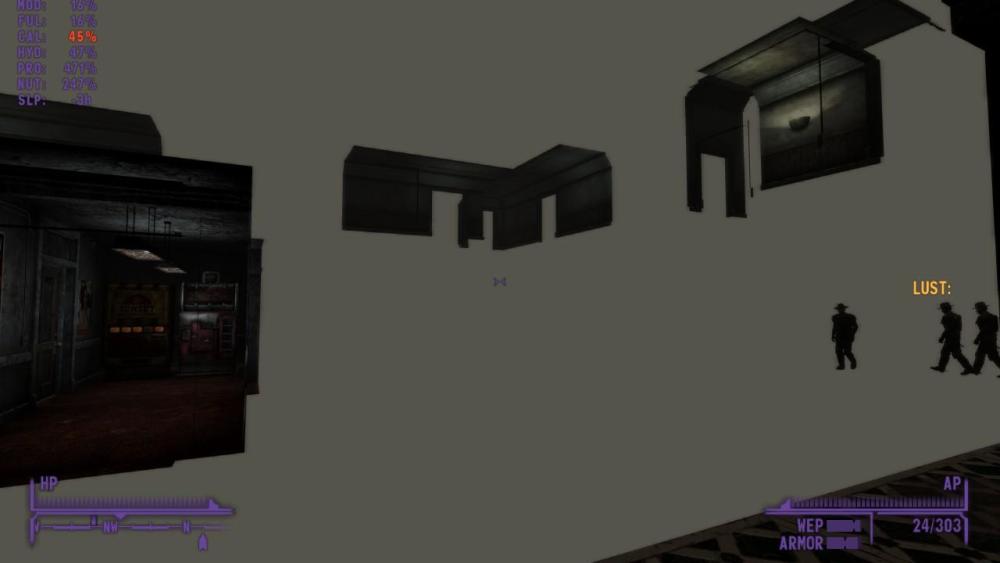
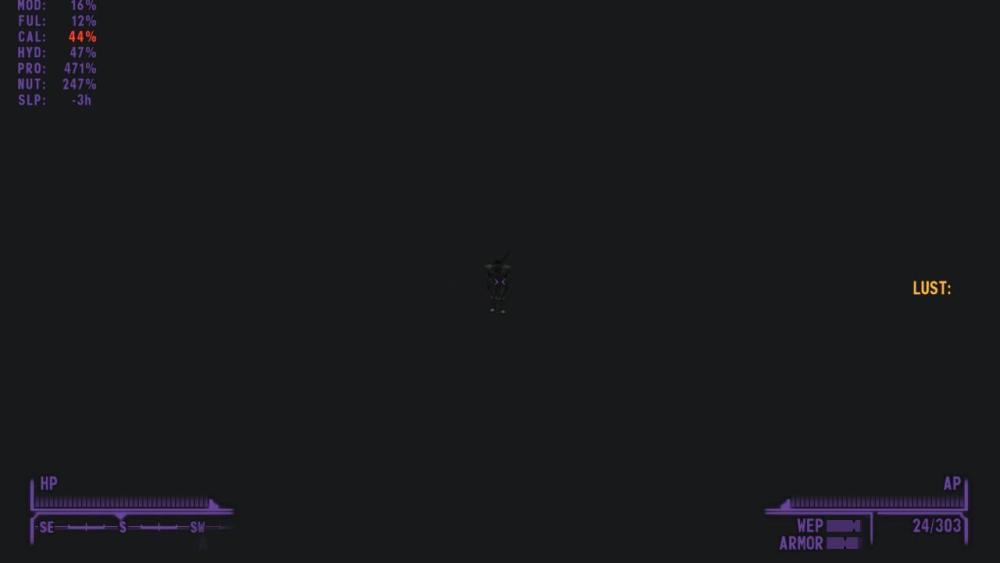
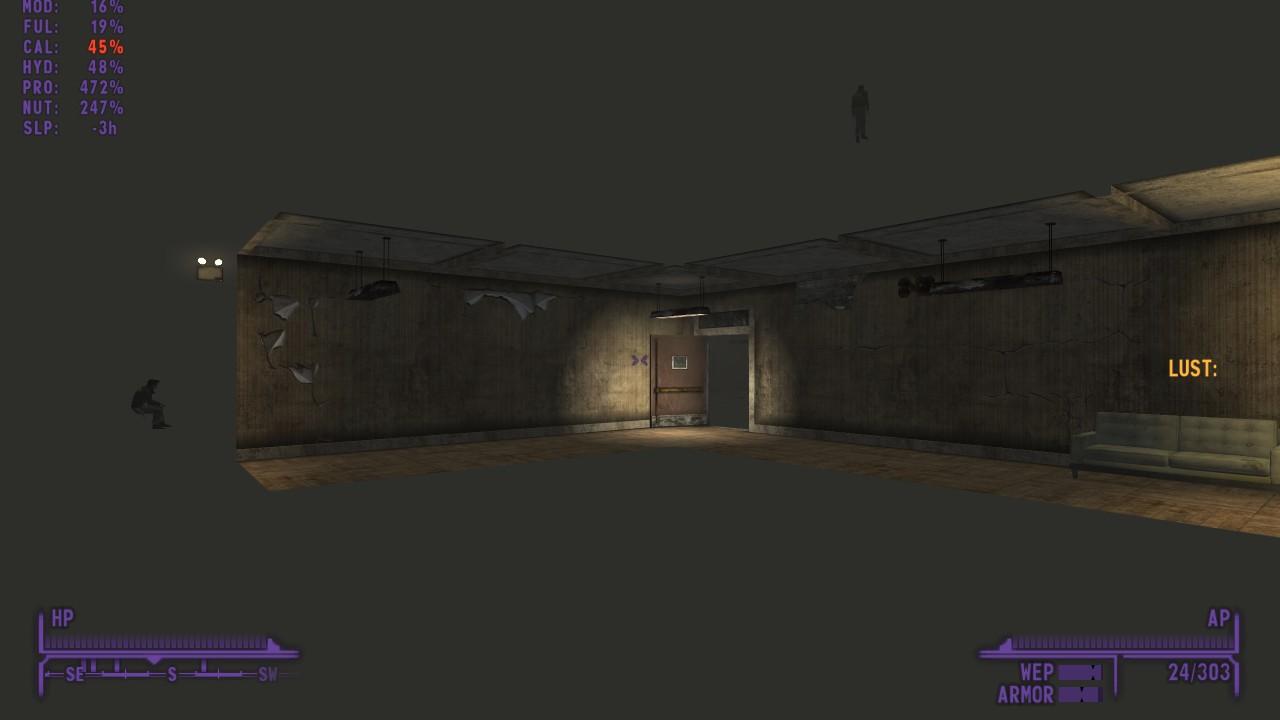
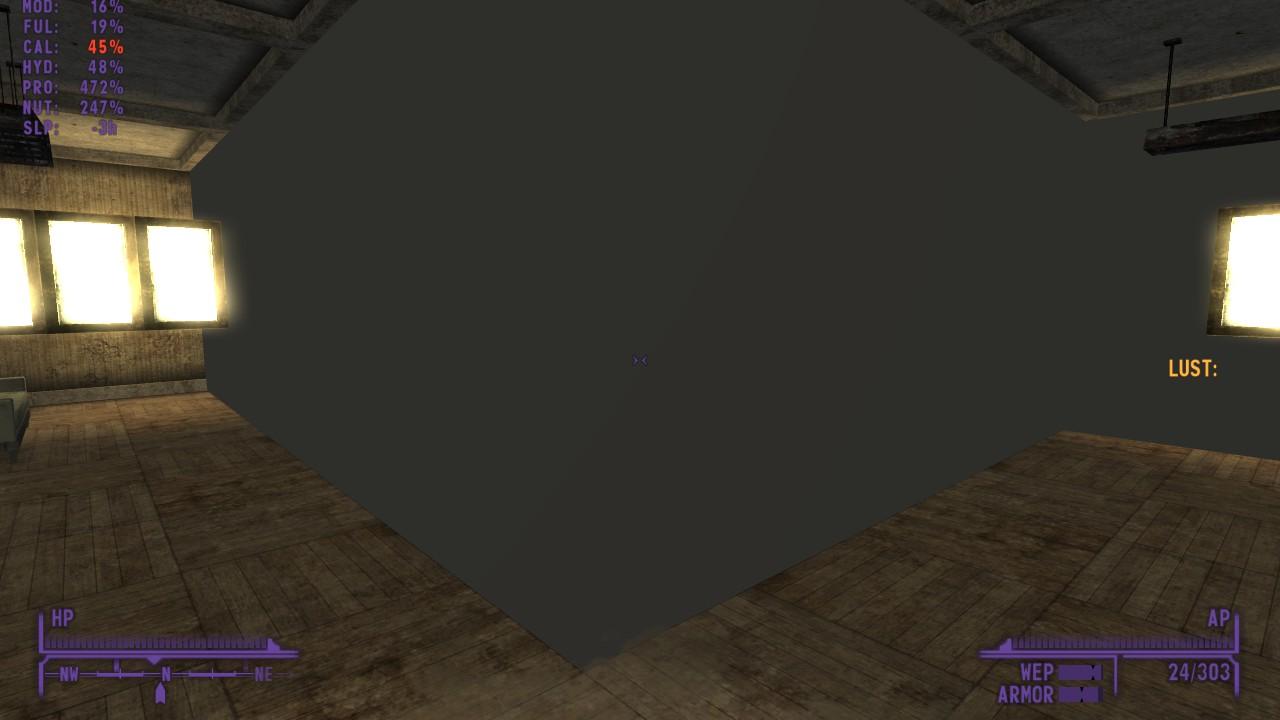
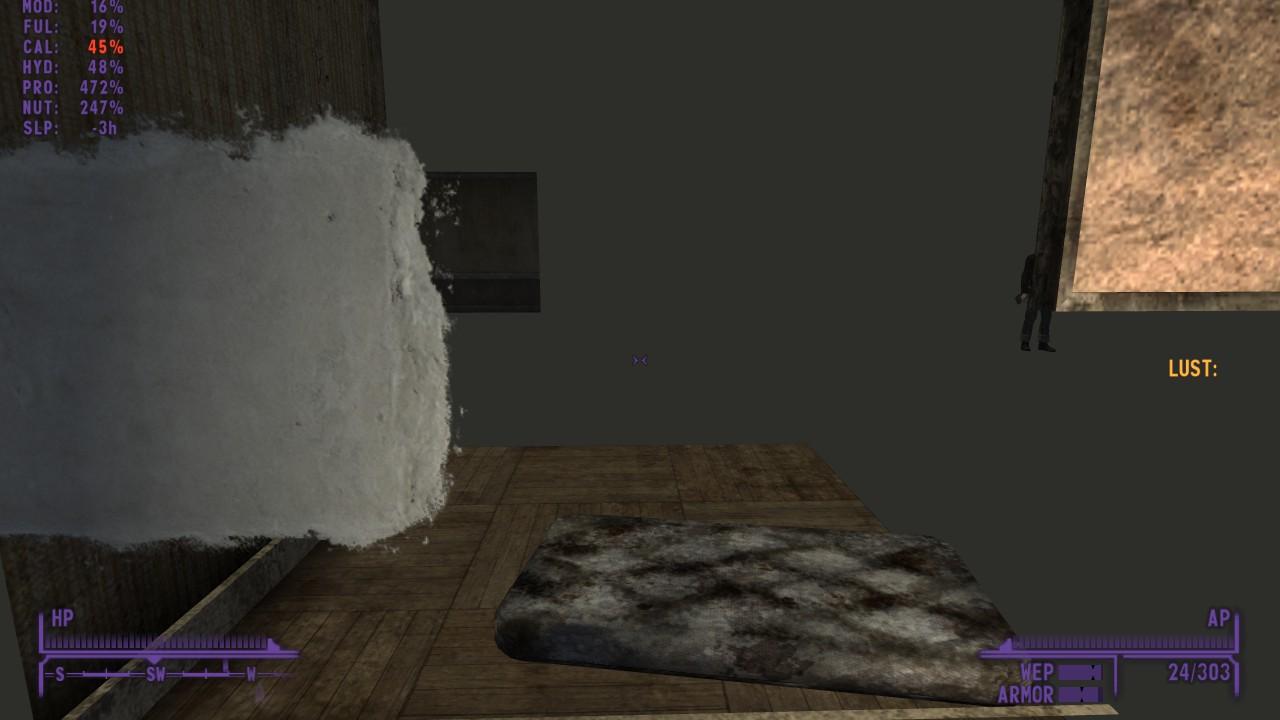
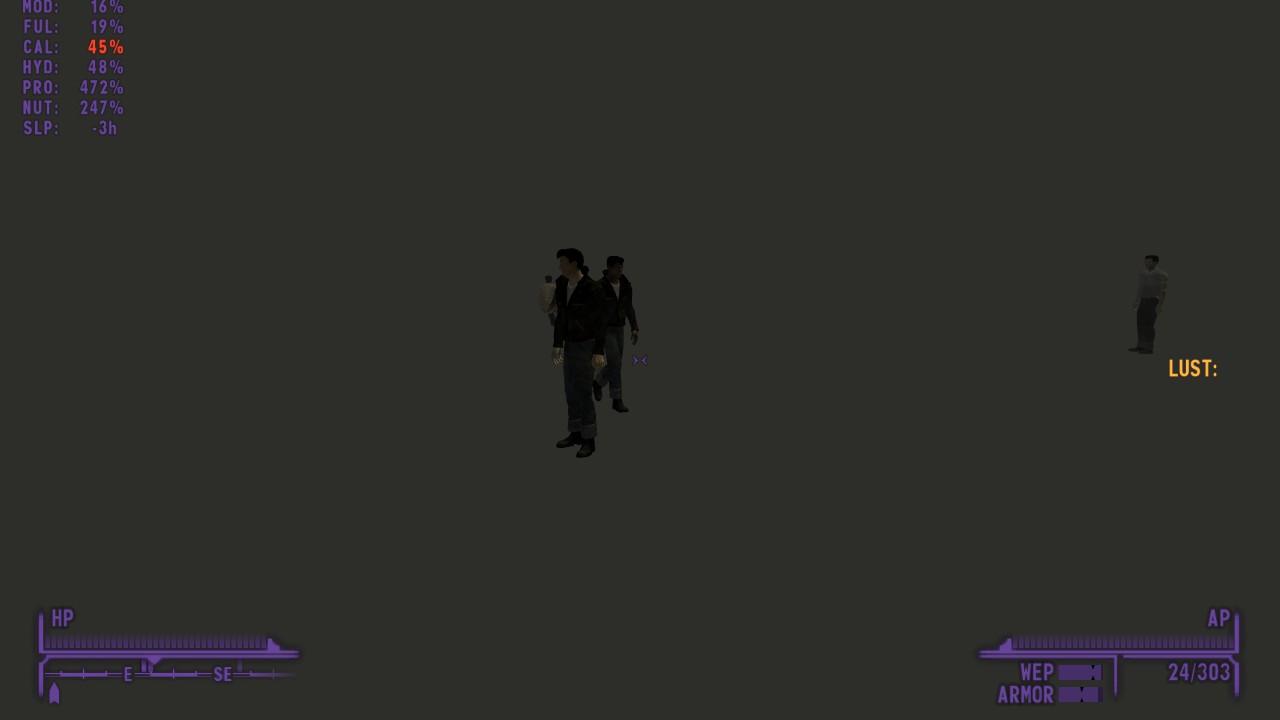
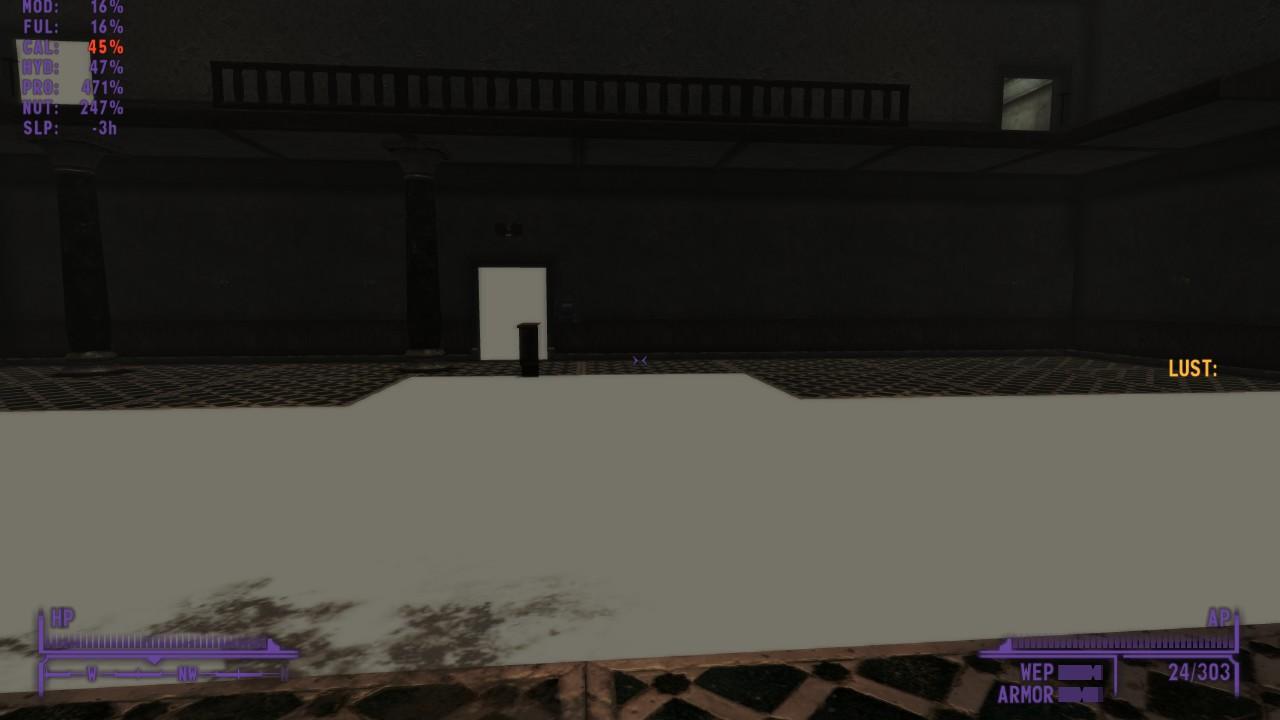
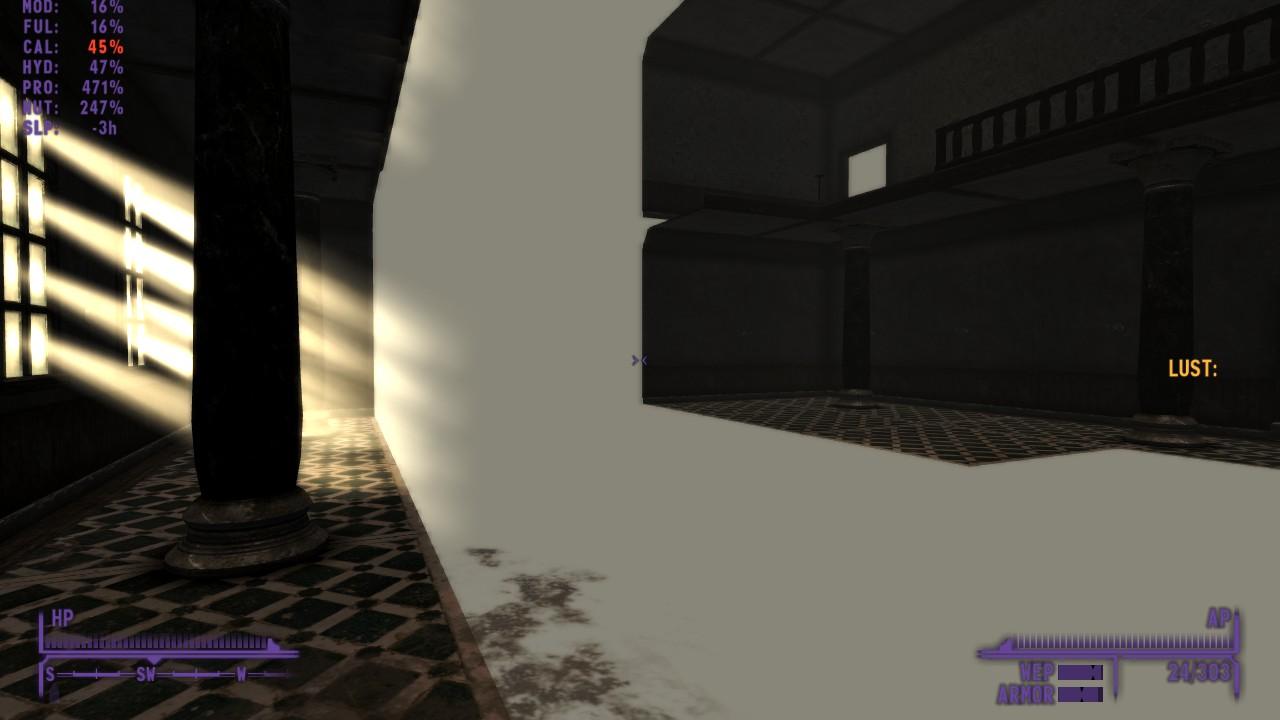
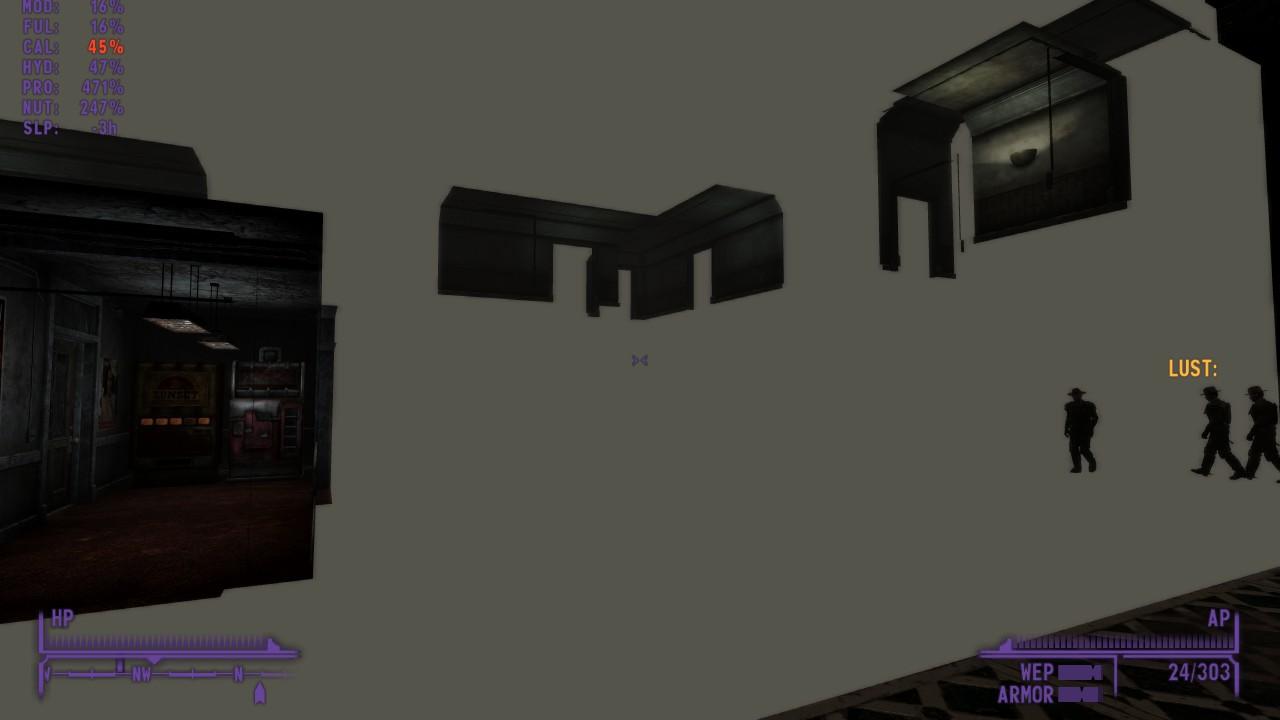
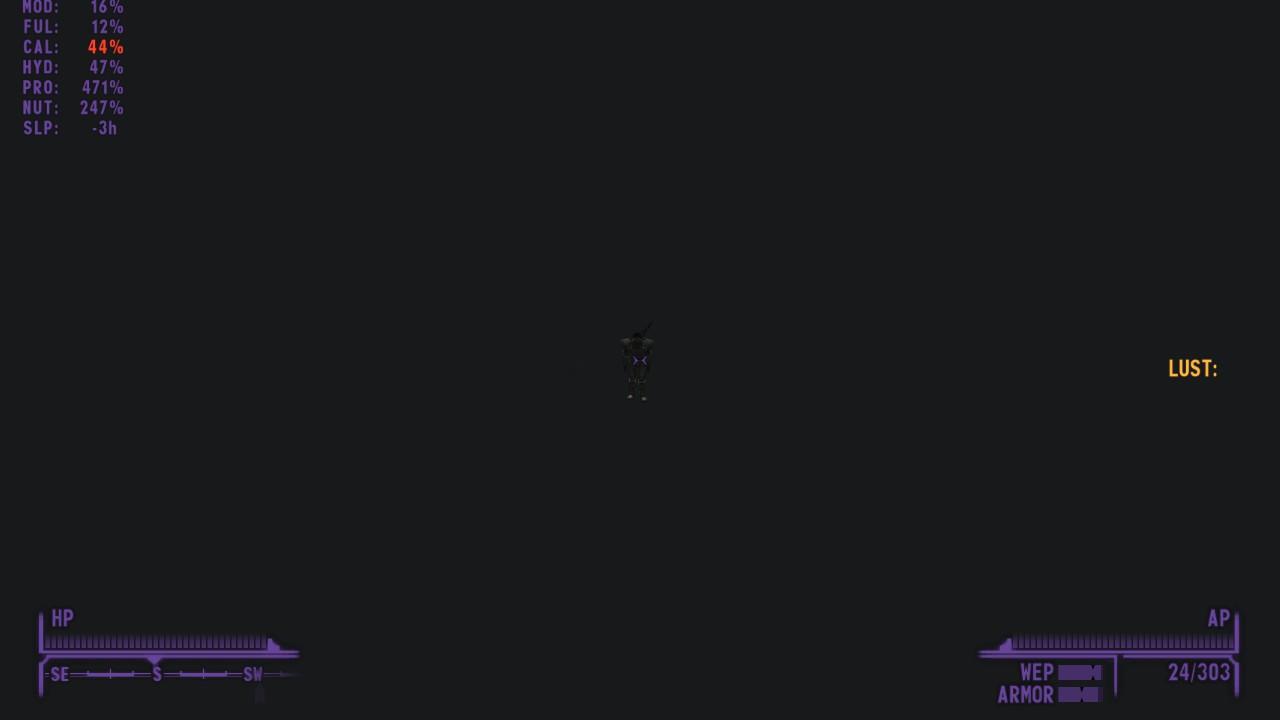
[Solved: This error is caused by this mod. It is worth noting that removing it will NOT fix this error alone, and you will need to clean your save game. Alternatively, you can install this fix, and if you find any other cells with this error, use FNEdit to edit the mod and remove any content from the affected cell. If any one in the future has this problem but doesn't have this mod installed, obviously this fix won't work, but it might be worth checking for mods that might do similar things.] When I enter certain areas in Fallout New Vegas, the interior is filled with a graphical glitch where walls, floors and other props don't appear but still have collision. Sometimes parts of these interiors appear when looked at from different directions, but not always and there will always be other parts that still remain completely transparent. Here is what I have done already (without any change): Uninstalling and reinstalling Test vanilla, this issue does NOT occur in vanilla (the only modification when I tested was the 4G patch), I feel as though that means it is a mod rather than a graphics card/driver problem Test mods: from my testing this is NOT caused by quest/location mods, lighting mods (I don't have any), interior redesign mods (I don't have any, though I did try one to 'duct-tape' over these issues - didn't work). Occurs with these mods active/installed: xNVSE, JIP, JohnnyGuitar, ShowOff (NVSE plugin), SUP & Plugin, Stewie's Tweaks*, BnB and Breeze body replacers. *I have adjusted the tweak that changes how far grey mist loads without change I have cleaned plugins I have double checked Archive Invalidation, and I only have the MO2 version on Had a look in GECK and found what I might be the clear reason (though I could well be wrong): I had a look at the affected locations via GECK and found that the glitch happened in GECK as well. After some looking up I have discovered that the problem in GECK can be fixed by turning off the bUseMultibounds option in the GECKcustom.ini file. For some reason, this problem is in my game too. I have tried putting 'bUseMultibounds=0' in the Fallout.ini file but that has not worked. As I said before, I did testing with mods and load order, but here is the load order I normally play with: And my mod list: Here are some screenshots of all the locations affected (potentially not exhausative). Firstly: School of Impersonation (aka Kings HQ): Camp Golf Resort: The Hidden Valley Bunker (aka the Brotherhood of Steel base): This was taken from the top of the stairs as soon as I enter the actual bunker, the rest seems to be not as bad, but I can't be certain - I only did a little bit of testing in the BoS base. I would be grateful for any help, but thank you for reading regardless.