Overview
About This Club
This club is dedicated to the game The Killing Antidote by Metalstar Studio. The sole purpose of this space is to allow passionate players to join, engage, and connect over this incredibly unique survival horror title. Whether you are looking to dive deep into gameplay strategies, share your latest survival runs, or troubleshoot technical hurdles, this is your dedicated hub.
Inside, you will find a curated space designed for true fans of the game. Members are encouraged to showcase their creative side in our dedicated screenshot threads, trade tips on game mechanics, and participate in community polls and discussions. Because this is a focused and private community, we place a premium on active engagement. This isn't just a place to silently browse; it’s a living space where every member is expected to contribute to the conversation and keep the community thriving.
By joining us, you are getting access to a tighter, higher-quality circle of players who want to actively talk about the game, share mods, and help one another out with issues. If you are ready to be an active part of the ultimate The Killing Antidote hub, grab your gear, respect the house rules, and welcome to the squad.
- What's new in this club
-
 Kendo 2 joined the club
 -
 RitualClarity joined the club
 -
 Doublezero joined the club
 -
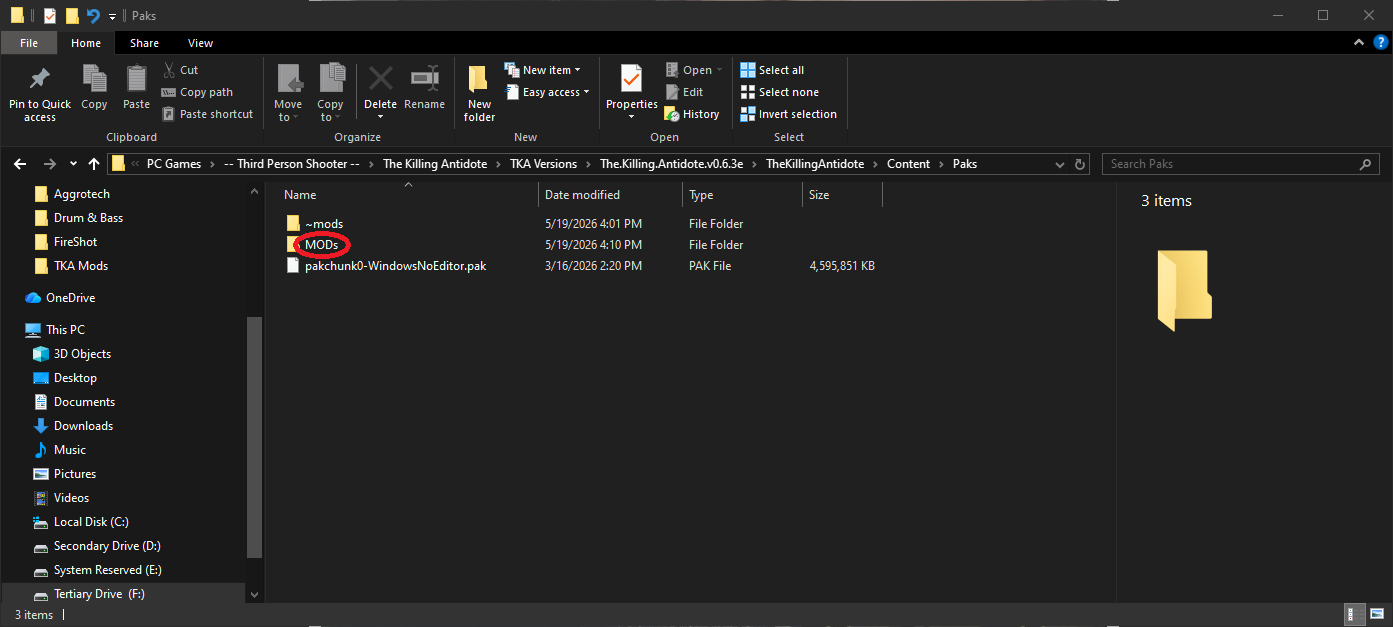
 1. Primary Setup: The ~mods Subfolder (Nexusmods) Navigate to your game directory: Find where the game is installed (usually under Steam Library if you are using the Steam version). Path: TheKillingAntidote/Content/Paks/ Action: Inside the Paks subfolder, create a new folder and name it ~mods (including the tilde symbol). Installation: Drop your Nexusmods downloaded .pak mod files directly into the new ~mods subfolder. 2. Secondary Setup: The Mods Subfolder (Steam Workshop) Create a second subfolder: In the same directory (TheKillingAntidote/Content/Paks/), create a subfolder named Mods (without the tilde). Usage: Use the subfolder specifically for: Mods that trigger a popup error message. Mods downloaded from the Steam Workshop that you are manually installing. Specific Nexus mods where the author explicitly mentions the Mods subfolder rather than the ~mods subfolder. In most cases, if you run into an error putting it in the Mods subfolder, you'll likely need to put it into the ~mods subfolder instead. This is only if the mod is off of The Killing Antidote Nexus. I've had this run in a few times in the past because the mod author assumes the subfolder path is supposed to be the same. 3. Essential Tools Mod Enabler: Download Mod Enabler if you find the standard .paks from Nexusmods aren't loading. Mods that won't load is usually because this specific mod/file is needed and needs to be installed. It's essential that you download this mod to avoid this problem. Hotkeys: If you are using TheKillingAntidoteTowelMod_2.7zip, the F1 key often toggles the help menu, and the K key is used for specific character/model toggles. _____________________________________________________________________________________________________________________________________________________ Important Tips: Outdated Mods: A Be careful with other mods. They are the most common cause for CTD (Crash To Desktop). If the game won't start, remove your most recent mods one by one to find the culprit. Directory Accuracy: Ensure you are in the Content/Paks subfolder. Placing the ~mods subfolder in the root directory will not work. Same for the Mods subfolder when it comes to Steam Workshop mods. This mod removes the towel to be permanent on Jodi during the bathroom scene and after the bathroom scene. Using this mod allows you to be able to unequip the towel. All credits go to mai2019 for not only creating the patch, but giving me permission to use it for the guide. TheKillingAntidoteTowelMod_2.7z IMPORTANT NOTE: You may find yourself downloading Steam Workshop mods outside of the Workshop itself. Treat it as Step 2 if you find yourself crashing to desktop when launching this game. More than likely you've placed them in the ~mods subfolder, which is why it would be causing the CTD to begin with, so try putting them in the Mods subfolder instead. People tend to upload mods and not specify the correct subfolder the mod belongs in. And if that doesn't work, more than likely you'll have to skip using that mod because it might not be compatible with the current version of The Killing Antidote. Anyways. I hope this guide was helpful. If it was, please consider giving it a like or commenting to show your appreciation. Thank you.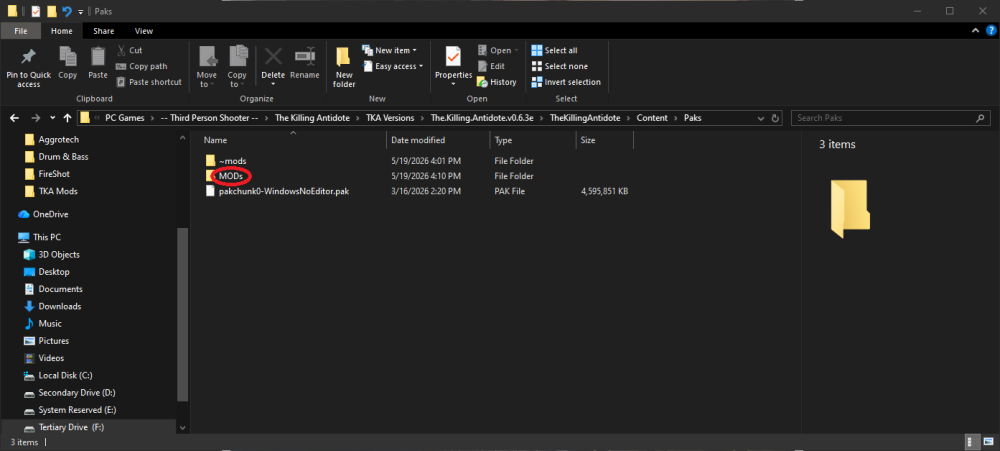
-
- 1
-

-
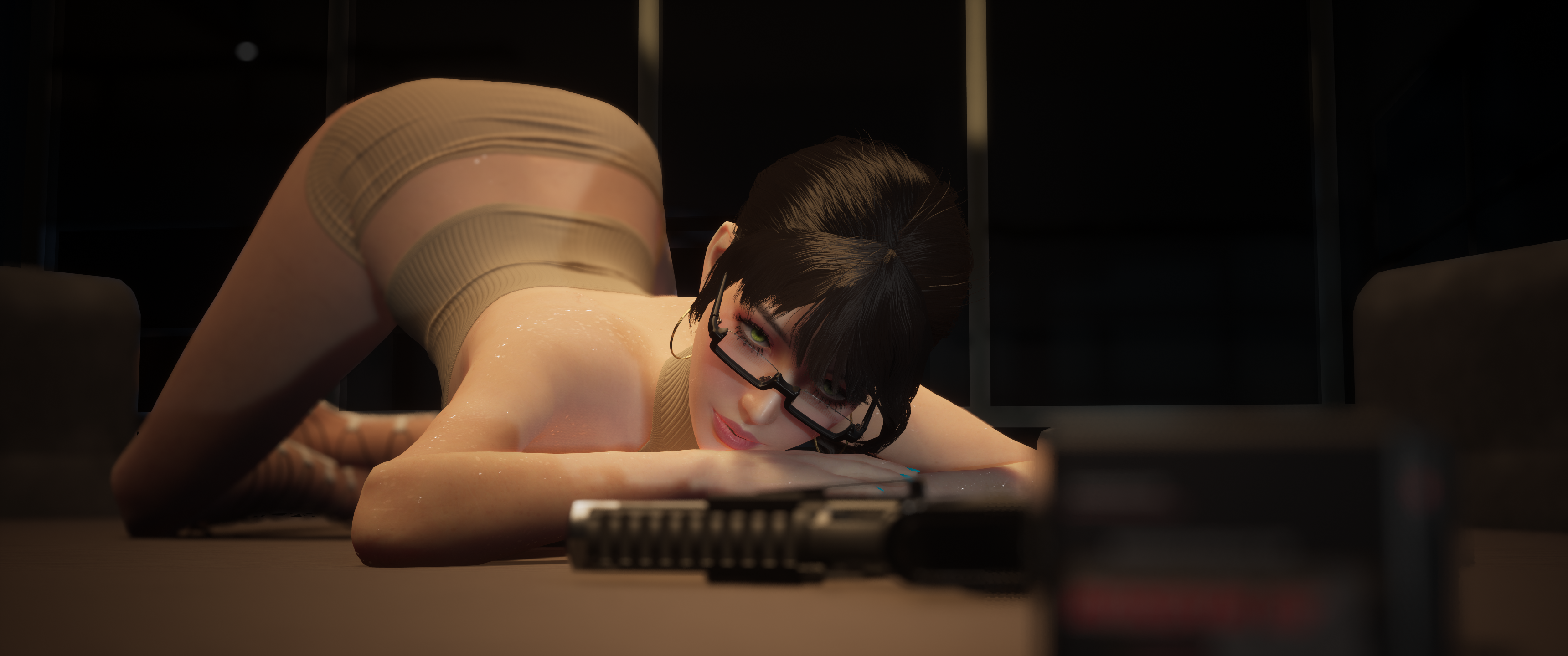
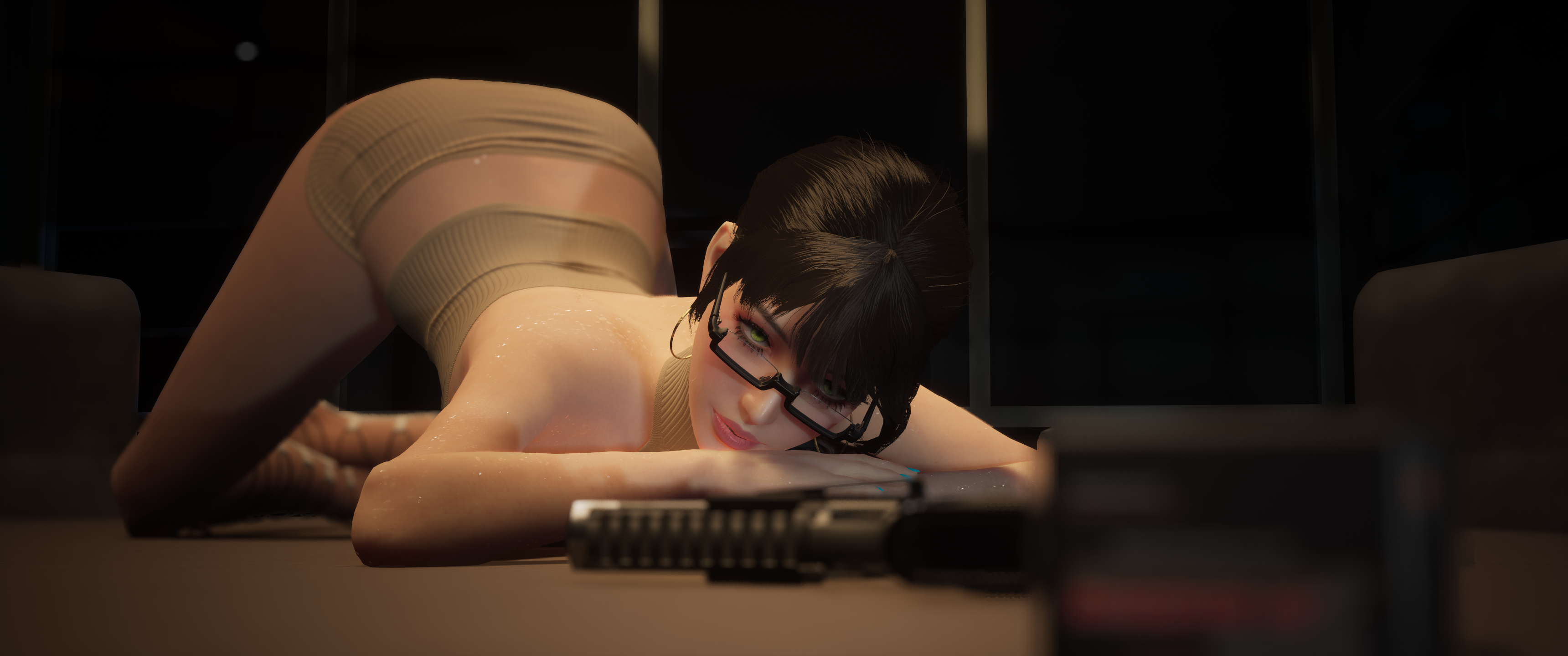
Welcome to the official gallery thread! This is the dedicated space to showcase and share your best screenshots of Jody. Whether it's custom outfits, action shots, or aesthetic captures, drop them here for the community to see. Note: This is not the place to ask for technical help or mod troubleshooting. Please create a new topic for those questions so we can keep this thread clean and focused on the art.
-
Welcome to the central hub for the club! This topic is dedicated to general discussions about our community space. Feel free to bring up anything regarding the club itself, including: Improvements & Ideas: Suggestions to make the club better. Additions: New features or threads you'd like to see. Issues & Feedback: Technical problems or general concerns. Let’s work together to keep this community thriving and active. Drop your thoughts, feedback, and suggestions below!